
How Does Alexa Turn on Light?

The majority of our home appliances will soon be smart appliances, which is not too far off. People prefer smart devices over conventional technologies, as evidenced by the prevalence of smart devices and smart assistants.
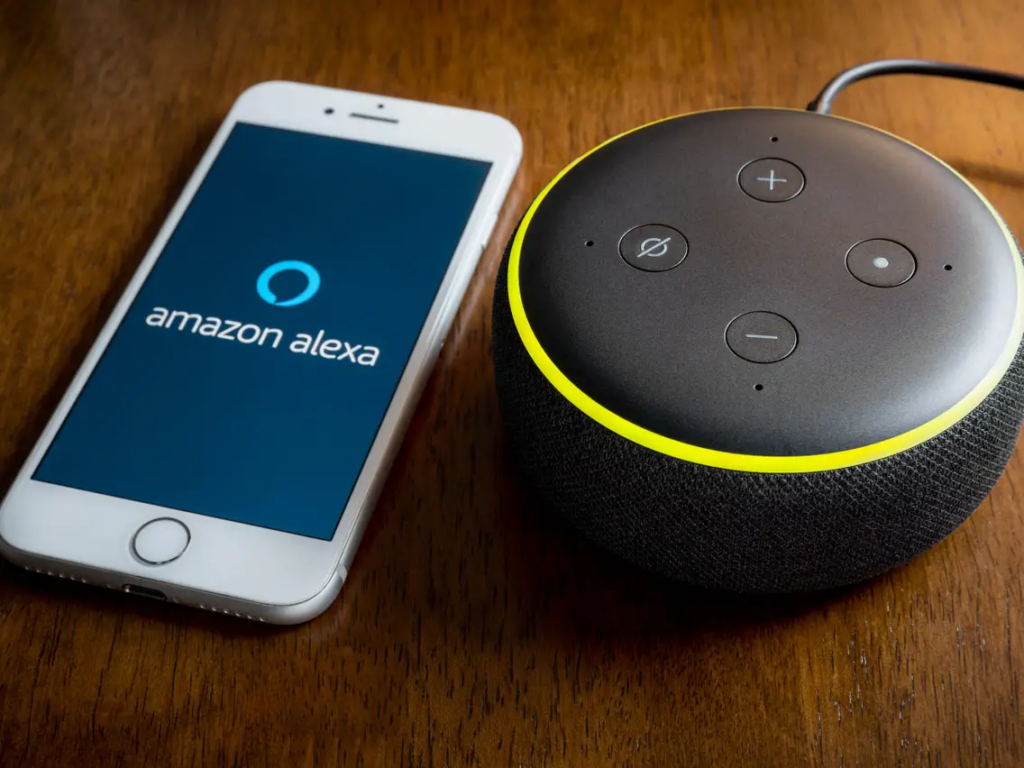
This is due to the fact that smart devices are making life simpler by enabling voice control via a smart assistant. For instance, if you have a smart light and a smart assistant like the Amazon Echo device, you may ask Alexa to turn on the light when you get home, and she will do just that. We’ll show you how Alexa and smart lights interact in this article.
How Do Smart Lights Operate With Alexa?
By integrating with smart devices, Alexa takes your voice requests and puts them into action. You’ll need an Amazon Echo, a smart lightbulb, and a solid Wi-Fi connection even for controlling lighting. To control lighting, Alexa transmits your orders through the Wi-Fi network.
The fact that you don’t need multiple apps to use different types of smart lighting is one of the best things about this. With Alexa, you can control all of your home’s smart lights and switch them on simultaneously or one at a time. Simply setting them up perfectly on the Alexa app is all that is required.
How Versatile Are These Smart Lights?
With smart lights, you may do a variety of tasks, such as turning on or off the lights, by using a smartphone app or Alexa voice commands. Even better, you can dim the lights and alter their colors.
You may also set the lights on timers using smart lighting. As a result, your lights will come on and go off at the appropriate times. Another option is to put up a group of lights that are Alexa-enabled, respond to the same orders, and work together. You can also connect a motion sensor for the lights using this feature.
Different options for smart lighting
When deciding the form of smart lighting to use, there are numerous things to take into account. It may be influenced by the price or the utility. Additionally, you must think about Alexa compatibility and determine whether it enables simple installation. Now, we’ll talk about each of these in terms of the product
1. Smart Bulbs

Using smart bulbs will be a simple solution. Easy to use and a terrific method to have a smart home device, smart lights are. Its inexpensive price is yet another fantastic benefit. Given their versatility, smart bulbs have a wide range of functionalities.
You can use it for ambient mood lighting in addition to brightness. You can change the brightness with the built-in dim feature to suit your preferences. It does, however, have significant shortcomings. To make it obey your commands, you must keep the electricity on. You can activate the smart control once more by turning on the switch. Once more, it won’t be appropriate for households with children who might experiment with the light switches
2. Smart Bulb Hubs
You will be able to control several lamps in your home with smart bulb hubs. The only thing you need to do is purchase a wireless hub to connect the lights. It functions exactly like a router for smart lights. It’s possible that you won’t always need a hub.
3. Smart Plugs

Additionally, there are smart plugs that function much like conventional plugs when plugged into smart adapters. This can work well for some types of lighting and maintains network connectivity without requiring resets. Anybody can use smart plugs, which are also less expensive and only function with analog appliances. For ceiling lights, however, this won’t be a fantastic answer because you’ll need to turn the device on in order to control it with electricity.
4. Smart Switches

The physical action of a smart switch is the same as that of a standard light switch. However, when you connect it to light, they provide digital control. A smart light is not necessary when using a smart switch. Alexa will speak to the switch when issuing a command rather than the lightbulb. You can use smart switches to turn off the wall switch immediately from your phone or another smart speaker. Additionally, it can resolve problems like flickering lights and does not require restarting. Remember that installing smart switches can be challenging.
How To Turn Your Lights On With Alexa?
Here are the steps you must take in order to use Alexa to turn on your lights.
Step 1: mInstall the specific bulb and link it to the app on your phone like step one.
Step 2: Connect your lightbulb to the network in step two.
Step 3: Open Alexa on your smartphone.
Step 4: Click “More.”
Step 5: select “Add a Device.”
Step 6: Choose “Light” for smart bulbs.
Step 7: Select the smart bulb’s brand. Observe the directions for any special abilities that the smart light has.
Step 8: Navigate to “Devices” and look for the newly installed smart bulb.
Step 9: Give Alexa any command.
Context-Aware Lighting With Alexa
Lighting that is contextually aware can be turned on with a single command. Setting up command lighting with smart lights and an Amazon Echo device is all that is required. It depends on the area. You must first create a group that allows you to allocate the smart light in a certain room, such as “Kitchen,” before you can issue the command.
For instance, if you ask Alexa to turn on the lights, the light closest to the kitchen will be turned on immediately. When you are in the kitchen, you must say it. This will stop you from saying things like, “Turn on kitchen light 1, kitchen light 2, etc.”
Conclusion
I hope all of you understand the basics of smart lighting. Compared to conventional lighting, smart lighting has several advantages. It can also be the ideal approach to bringing a smart device inside your house. The best part is that it is reasonably priced. We MATHA ELECTRONICS will be back soon with more informative blogs.